
05.Mar.2023
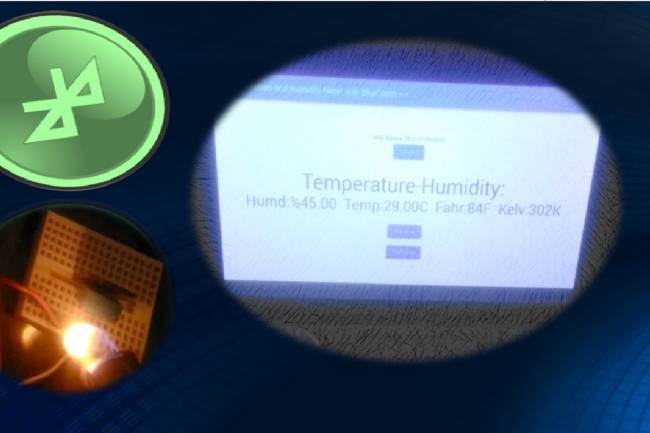
We will make an application with the DHT-11temperature and humidity sensing module. We will make this system with the DHT-11 module connected to the microcontroller system and one HC-05 bluetooth module. Also, we will make an Android application using the Flutter-Dart programming language.
You can watch the details of the application on our YouTube channel:
In the microcontroller system, we read the data from the DHT-11 module from digital pin 2. And we convert this numeric value to string type. We convert this new string type data into an array-char type value. This value is sent to the Bluetooth module with the myserial.write command.
On the Android application side, we get the value of this char type with the receiveData function. This function is included in the timer function.
At certain time intervals, this value is read and written to the text object.
Flutter-Dart codes are given below:
import 'dart:async';
 import 'dart:convert';
 //import 'dart:convert';
import 'package:flutter/foundation.dart';
 import 'package:flutter/material.dart';
 import 'package:flutter_bluetooth_serial/flutter_bluetooth_serial.dart';
void main()=> runApp(const MyApp());
class MyApp extends StatefulWidget {
   const MyApp({super.key});
  @override
   // ignore: library_private_types_in_public_api
   _MyAppState createState()=> _MyAppState();
 }
class _MyAppState extends State {
   List _devices=[];
   late BluetoothConnection connection;
   String adr="00:21:07:00:50:69"; // my bluetooth device MAC Adres
   String recData="....";
  late Timer _timer;
   String _timeString="";
  @override
   void initState() {
     // _startTimer();  automatic
     super.initState();
     _loadDevices();
   }
  Future _loadDevices() async {
     List devices=await FlutterBluetoothSerial.instance
         .getBondedDevices();
    setState(() {
       _devices=devices;
     });
   }
  //----------------------------
   Future sendData(String data) async {
     data=data.trim();
     try {
       List list=data.codeUnits;
       Uint8List bytes=Uint8List.fromList(list);
       connection.output.add(bytes);
       await connection.output.allSent;
       if (kDebugMode) {
         // print('Data sent successfully');
       }
     } catch (e) {
       //print(e.toString());
     }
   }
// data RECEIVED --------------
  Future receiveData() async {
     connection.input!.listen((Uint8List data) {
       //Data entry point
       setState(() {
         recData=ascii.decode(data);
         //var n1=int.parse('-42');
       });
     });
   }
   //--------------------------------------
// TIMER START-----------
   void _startTimer() {
     _timer=Timer.periodic(Duration(milliseconds: 500), (timer) {
       receiveData();
    });
   }
  // TIMER STOP--------------------------------------
   Future _stopTimer() async {
     setState(() {
     });
     _timer.cancel();
   }
//---------------------------------------------
   @override
   void dispose() {
     _timer.cancel();
     super.dispose();
   }
  @override
   Widget build(BuildContext context) {
     return MaterialApp(
         home: Scaffold(
           appBar: AppBar(
             title: const Text("----Temperature and Humidity Meter with BlueTooth-----"),
           ),
           body: Center(
             child: Column(
               mainAxisAlignment: MainAxisAlignment.center,
               children: [
                 const Text("MAC Adress: 00:21:07:00:50:69"),
                ElevatedButton(child: Text("Connect"), onPressed: () {
                   connect(adr);
                 },),
const SizedBox(height: 30.0,),
                const Text("Temperature-Humidity: ",style: TextStyle(fontSize: 55.0),),
                 Text(recData,style: TextStyle(fontSize: 40.0),),
                const SizedBox(height: 10.0,),
                 // Text(_timeString),
                 const SizedBox(height: 10.0,),
                ElevatedButton(child: Text("Stop timer"), onPressed: () {
                   _stopTimer();
                 },),
                 const SizedBox(height: 10.0,),
                ElevatedButton(child: Text("Start timer"), onPressed: () {
                   _startTimer();
                 },),
              ],
             ),
           ),
)
    );
   }
  Future connect(String address) async {
     try {
       connection=await BluetoothConnection.toAddress(address);
       // sendData('111');
       //durum="Connected to the device";
    } catch (exception) {
       // durum="Cannot connect, exception occured";
     }
   }
  @override
   void debugFillProperties(DiagnosticPropertiesBuilder properties) {
     super.debugFillProperties(properties);
   }
// --------------**************data gonder
 //Future send(Uint8List data) async {
 //connection.output.add(data);
 // await connection.output.allSent;
 // }
}
 //------------*********** data gonder end
Microcontroller codes-Arduino:#include
#include
SoftwareSerial mySerial(10, 11); // RX, TX
#define DHT11PIN 2 //
char Buf[100]; //  to bluetooth device<------
String values_string="--";
dht11 DHT11;
void setup()
{
  Serial.begin(9600); //
  mySerial.begin(9600);

}
void loop()
{

               int chk=DHT11.read(DHT11PIN);

  float humd=(float)DHT11.humidity;
  float temp=(float)DHT11.temperature;
  int fahr=DHT11.fahrenheit();
  int kelv=DHT11.kelvin();


  values_string="Humd:%"+String(humd)+"  Temp:" + String(temp)+"C  Fahr:" + String(fahr)+"F  Kelv:"+ String(kelv)+"K";

     values_string.toCharArray(Buf, 100);
     mySerial.write(Buf);
     Serial.println(values_string);
  delay(1000);

}
How to make a night light with Bluetooth control and three colors?
A practical and inexpensive night light design with Bluetooth control
03.03.2023
Measuring DC Volts with Android Phone - Voltmeter
Converting an old tablet computer to a voltmeter (with bluetooth)
04.03.2023
A BlueTooth-controlled Android App to Measure Heart Rate
An application related to biomedical devices: Measuring heartbeats
08.03.2023
Controlling 8 LEDs with Android phone
Android apps with Bluetooth Module
13.03.2023
DC Motor Speed Control by Android phone
Android Mobil Apps
14.03.2023
Controlling multiple devices with Android phone
Android Apps with Bluetooth
15.03.2023
Projects with Wifi Module
Wifi module settings
20.03.2023
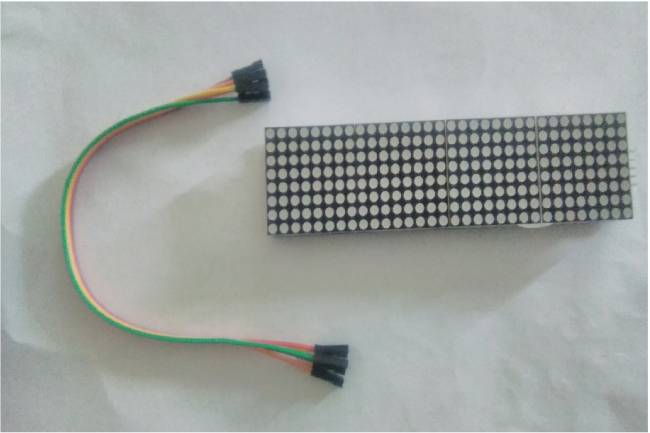
Application to Control Led Matrix Panel with Android Phone - Part 1
Led Panel-Bluetooth Apps
29.03.2023

Designing an IoT System
Designing an IoT system for personal and business
22.05.2023
Reading the Weather Using the GSM Module Connected to the Microcontroller
How to make weather reading application with GSM module
24.05.2023
Smart Homes Can Be Smarter Than Us.
I'm Programming My House.
18.12.2022

IoT impact in the Healthcare Industry
What is the level of applications of IoT objects in the health sector?
22.12.2022
Application of IoT(Internet of Things) Technologies to Animals
Animals on the Internet
23.12.2022
Smart Cars in the IoT Universe
The evolution of Smart Cars
24.12.2022
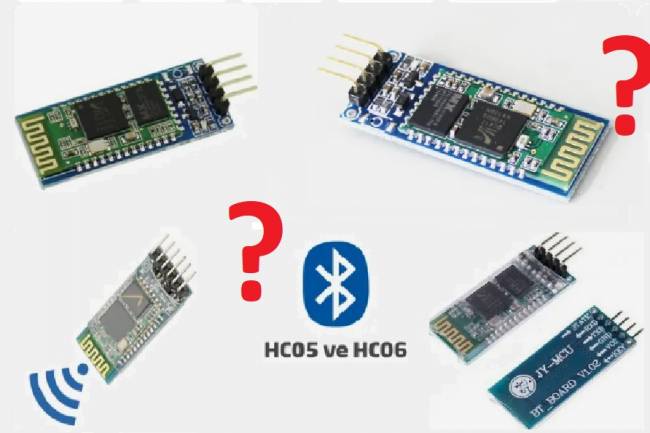
Use of HM-10, HC-06 and HC-05 Bluetooth Modules in IoT Projects
Use of HM-10, HC-06 and HC-05 Bluetooth Modules
23.01.2023
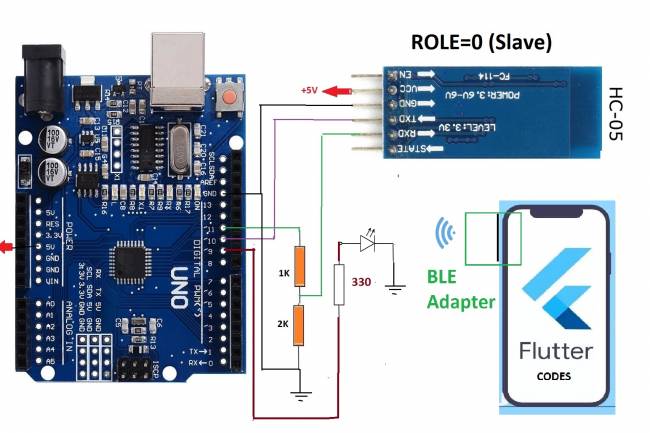
Led Control Application with HC-05 Bluetooth Module
Led Control with Android Phone-Flutter
25.02.2023
Electronic Organ Construction with HC-05 Bluetooth Module
Electronic organ design with the program written with Flutter-Dart codes
25.02.2023
220 Volt Lamp On-Off Application with Bluetooth
A bluetooth application made with Flutter-Dart codes
25.02.2023
Measuring resistance by phone to Android
Measuring resistance by phone to Android( with Flutter-Dart)
02.03.2023