

24.May.2023
Regarding our previous article, we wanted to make an application example. If you want to read the previous article first, you can click the link below:
Application Name:
Connecting to the internet using a GSM module connected to Arduino and getting temperature data of a place like London.
You can use an API or weather service for this. There are many free weather APIs available on the internet.
We plan to make our example with Arduino UNO.
#include <SoftwareSerial.h>
 SoftwareSerial gsmModule(10, 11); // RX and TX pins of the GSM module
 void setup() {
    Serial.begin(9600); // Serial communication is started
    gsmModule.begin(9600); // the communication speed of the GSM module is set
   delay(2000); // Waiting time for module initialization
    getTemperature(); // Get temperature data
 }
void loop() {
    // Other operations can be done if needed
 }
void getTemperature() {
    gsmModule.println("AT+SAPBR=3,1,\"Contype\",\"GPRS\""); // Internet connection type is set
    delay(1000);
   gsmModule.println("AT+SAPBR=1.1"); // Internet connection opens
    delay(3000);
   gsmModule.println("AT+HTTPINIT"); // The HTTP connection is started
    delay(2000);
   gsmModule.println("AT+HTTPPARA=\"CID\",1"); // Set connection id for HTTP connection
    delay(2000);
   gsmModule.println("AT+HTTPPARA=\"URL\",\"http://api.openweathermap.org/data/2.5/weather?q=London,uk&appid=YOUR_API_KEY\""); // Add your weather service API address and API key here
    delay(2000);
   gsmModule.println("AT+HTTPACTION=0"); // HTTP GET operation is performed
    delay(5000);
   gsmModule.println("AT+HTTPREAD"); // read the HTTP response
    delay(5000);
   while (gsmModule.available()) {
      char c=gsmModule.read();
      Serial.write(c); // Prints the response to the serial monitor
    }
   gsmModule.println("AT+HTTPTERM"); // HTTP connection is terminated
    delay(2000);
 }
The example code above retrieves London's weather data using the GSM module. In the relevant code snippet, you can specify the weather service API address and API key.
You need to add AT+HTTPPARA=\"URL\",\"http://api.openweathermap.org/data/2.5/weather?q=London,uk&appid=YOUR_API_KEY\" to the relevant places.
In order for the code to work correctly, your GSM module must support AT commands and have features that can send HTTP requests.
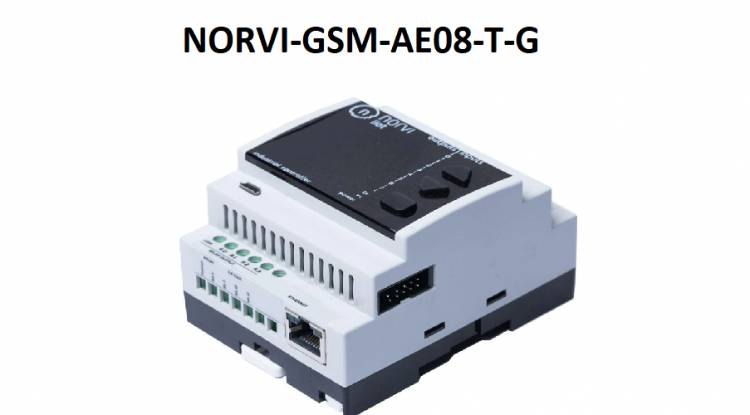
You can review GSM Devices for IoT Applications with Ethernet by clicking the link below:

How to make a night light with Bluetooth control and three colors?
A practical and inexpensive night light design with Bluetooth control
03.03.2023
Measuring DC Volts with Android Phone - Voltmeter
Converting an old tablet computer to a voltmeter (with bluetooth)
04.03.2023
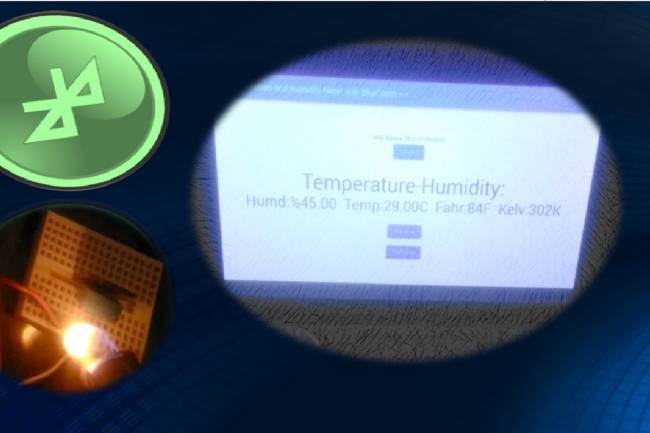
We make temperature and humidity detection system with Android device
Android apps
05.03.2023

A BlueTooth-controlled Android App to Measure Heart Rate
An application related to biomedical devices: Measuring heartbeats
08.03.2023
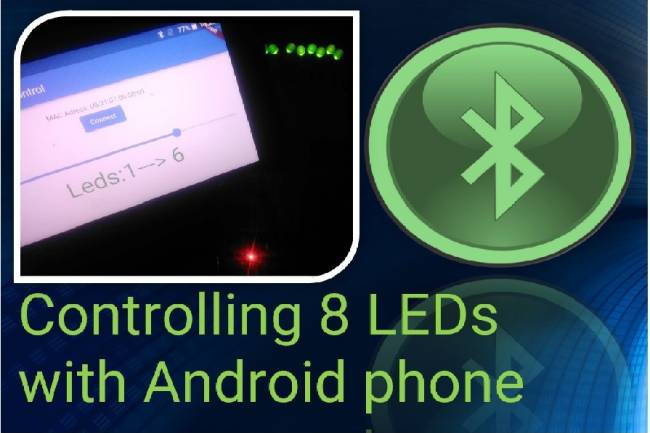
Controlling 8 LEDs with Android phone
Android apps with Bluetooth Module
13.03.2023
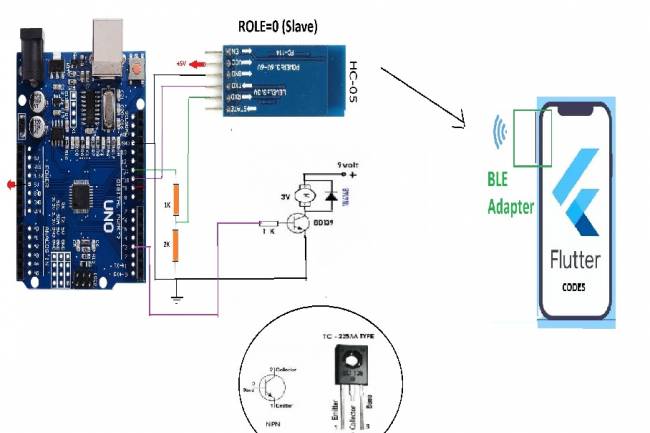
DC Motor Speed Control by Android phone
Android Mobil Apps
14.03.2023
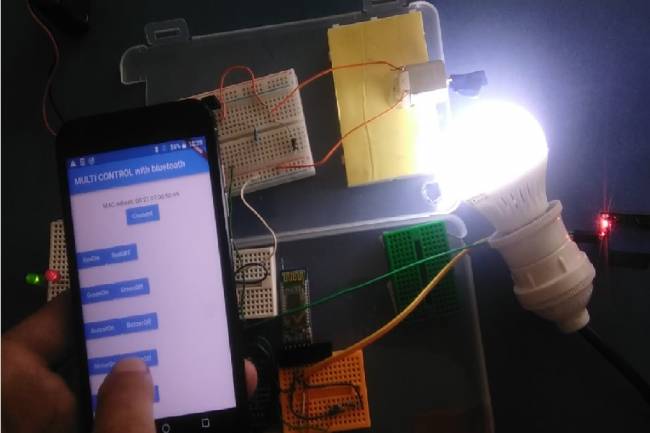
Controlling multiple devices with Android phone
Android Apps with Bluetooth
15.03.2023
Projects with Wifi Module
Wifi module settings
20.03.2023
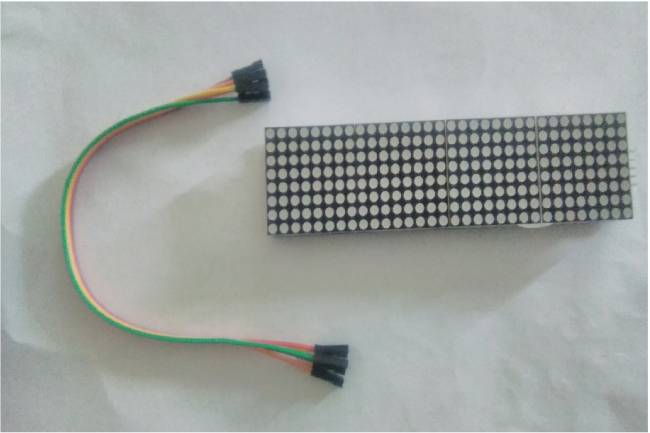
Application to Control Led Matrix Panel with Android Phone - Part 1
Led Panel-Bluetooth Apps
29.03.2023

Designing an IoT System
Designing an IoT system for personal and business
22.05.2023
Smart Homes Can Be Smarter Than Us.
I'm Programming My House.
18.12.2022

IoT impact in the Healthcare Industry
What is the level of applications of IoT objects in the health sector?
22.12.2022

Application of IoT(Internet of Things) Technologies to Animals
Animals on the Internet
23.12.2022

Smart Cars in the IoT Universe
The evolution of Smart Cars
24.12.2022
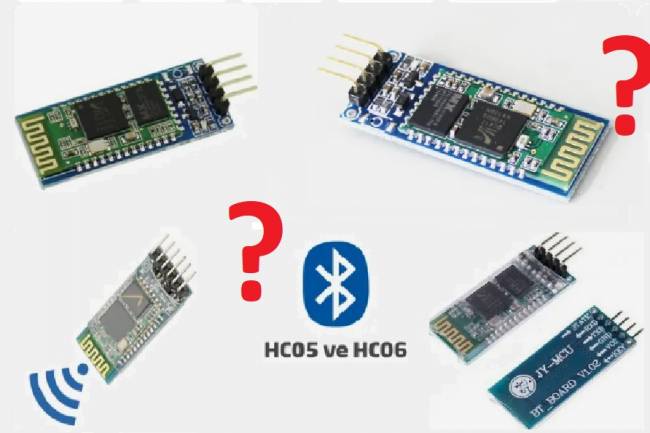
Use of HM-10, HC-06 and HC-05 Bluetooth Modules in IoT Projects
Use of HM-10, HC-06 and HC-05 Bluetooth Modules
23.01.2023
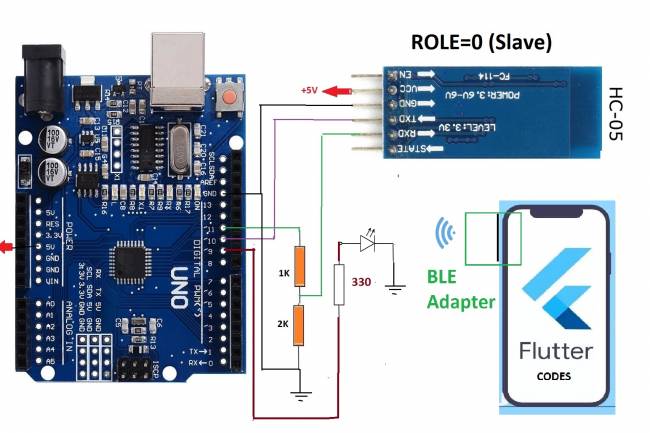
Led Control Application with HC-05 Bluetooth Module
Led Control with Android Phone-Flutter
25.02.2023

Electronic Organ Construction with HC-05 Bluetooth Module
Electronic organ design with the program written with Flutter-Dart codes
25.02.2023

220 Volt Lamp On-Off Application with Bluetooth
A bluetooth application made with Flutter-Dart codes
25.02.2023
Measuring resistance by phone to Android
Measuring resistance by phone to Android( with Flutter-Dart)
02.03.2023