
28.Nov.2023
The design and analysis of electronic circuits is often a challenging process due to their complexity and diversity. During this process, real-world testing can be costly and time-consuming. Therefore, it is important to use a reliable simulation tool for circuit design and analysis. LTspice is a powerful and free circuit simulation tool developed by Linear Technology (now Analog Devices). In this article, we will focus on the key features of LTspice, explaining how to use it and its advantages.
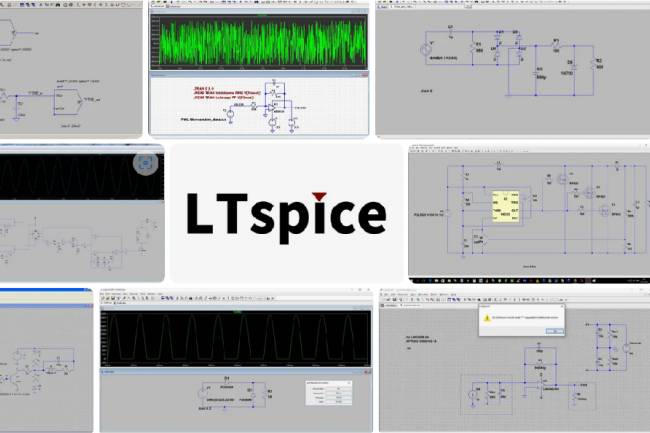
LTspice is a circuit simulation program developed by Linear Technology (Analog Devices). It is used to simulate analog and digital electronic circuits. One of the most attractive features of LTspice is that it has a user-friendly interface that allows users to quickly design and simulate circuits. Additionally, there are many integrated circuit models within the program, which further speeds up the design process.
Key Features of LTspice
1. Circuit Design
LTspice offers a variety of tools to make circuit design easier. Users can quickly create their circuits by dragging and dropping circuit elements. It also contains many integrated circuit models with basic elements such as resistors, capacitors and inductors.
2. Circuit Simulation
The program provides the ability to simulate the circuit's time domain responses, frequency responses, and more. This helps users see how it will work in the real world and optimize their circuits.
3. Parametric Analysis
LTspice provides the opportunity to change circuit parameters and observe the reactions of the circuit. This is important for optimizing the circuit design and improving performance.
4. Waveform Analysis
Simulation results are displayed graphically through waveform analysis. This is important for understanding signal behavior and detecting design errors.
Using LTspice
Using LTspice is quite simple. As a first step, create your circuit and place the circuit elements. Then, set the simulation parameters and start the simulation. Simulation results will be displayed and analyzed graphically.
Advantages and Disadvantages
Advantages:
Free and user friendly.
A large library of integrated circuit models.
Powerful simulation capabilities.
Tools for parametric analysis and optimization.
Disadvantages:
The graphical interface can be a bit limited on complex circuits.
Some specific integrated circuit models may be missing.
Conclusion
LTspice is a powerful tool for electronic circuit design and analysis. It is widely used among electronics engineers and students with its user-friendly interface, large integrated circuit model library and powerful simulation capabilities.
Download link: LTspice Information Center | Analog Devices

PCB Design and PCB Design Programs
PCB design programs
09.04.2023

Most Popular Electronic Circuit Simulation Programs
Some of the popular simulation programs used in the electronics world and their links can be found in this article.
19.04.2023

KiCad 8th Release Candidate 2 Released - Trial Version Available for Users to Download
KiCad 8th Release Candidate 2 is now available for download! Discover the new features that stand out in electronic circuit design. Click now for the trial version.
23.01.2024
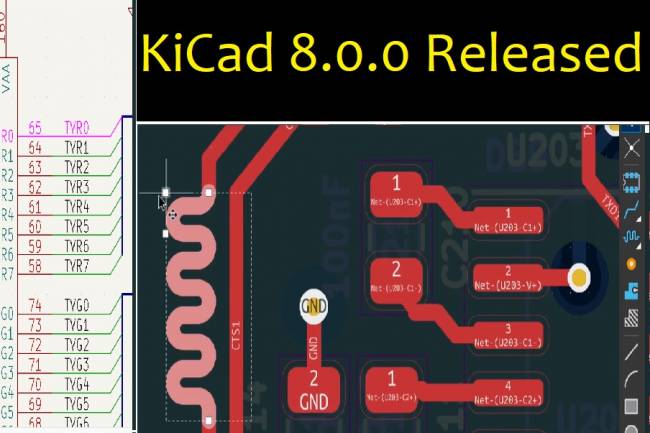
KiCad 8.0.0 Released: An Update Full of Innovations
KiCad 8.0.0 version has been released! It's full of new features and improvements. Extended support and performance increase in PCB design
24.02.2024
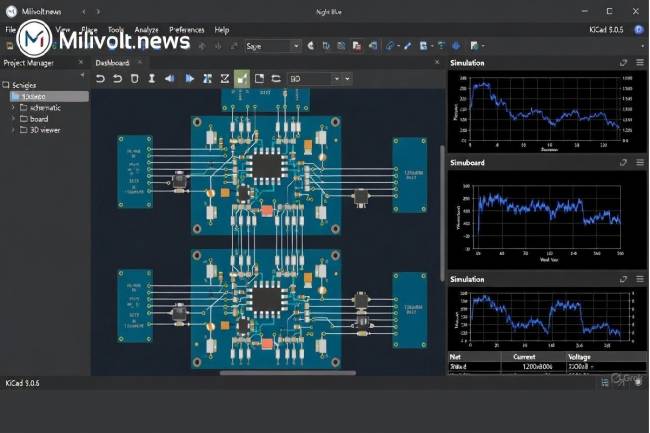
Autumn 2025 PCB & Simulation Tools: KiCad 9 Released, EasyEDA 100 % Free, LTspice Goes 64-bit
KiCad 9.0.6 is here, EasyEDA now fully free, Falstad desktop app, LTspice 64-bit… Full list of what changed in PCB design this autumn!
30.11.2025
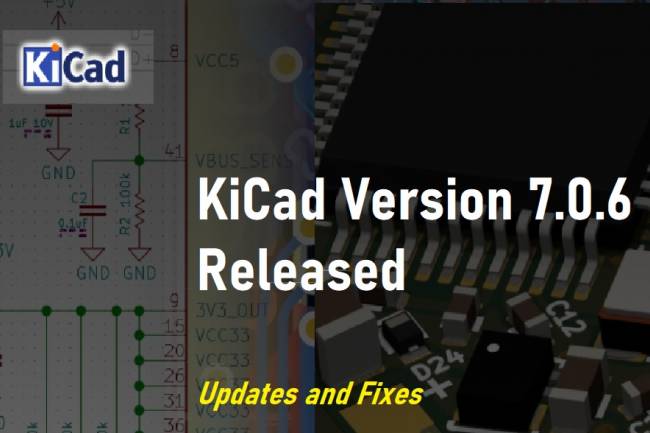
KiCad Version 7.0.6 Released: Updates and Fixes
Latest updates and fixes about KiCad version 7.0.6. According to the KiCad Development Team's announcement, version 7.0.6 offers an update with critical bug fixes and minor improvements. Details and release notes are in this article.
10.08.2023
KiCad 6.0.0 Release Announced
KiCad 6.0.0 Release Announced CAD News
19.04.2022
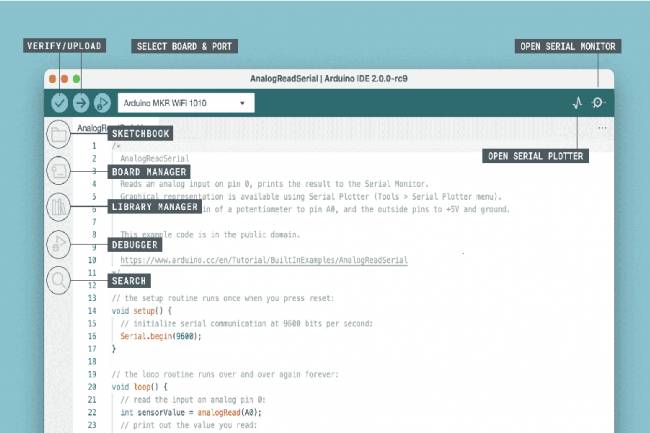
Arduino IDE 2.2.1 - Faster and Powerful!
Develop your projects faster and easier with Arduino IDE 2.2.1. Auto-completion, debugging
02.09.2023
KiCAD 6.0.10 Version
Kicad new version released
30.12.2022
KiCad 6.0.0 Release Announced
KiCad 6.0.0 Release Announced CAD News
19.04.2022