

19.Apr.2023
In this short article, we have listed some of the simulation programs that every electronics professional can use.
LTSpice is a free simulation program developed by Linear Technology (now Analog Devices). It is frequently used for semiconductor circuit design.
Proteus: This program, which is divided into two parts as ISIS and ARES, is used for circuit design, simulation and printed circuit board (PCB) design. It is paid for commercial use.
Multisim is a simulation program developed by National Instruments. It is used for the design and simulation of analog and digital circuits.
PSpice: It is a simulation program developed by Cadence Design Systems. It is used for the design, analysis and simulation of analog and digital circuits.
CircuitMaker: It is a user-friendly simulation program developed by Altium company. Another feature of this program, which can be used for PCB design, is that it is free.
5Spice: A program for the design, analysis and simulation of digital and analog circuits. It is paid for commercial use.
Tina: A program for the design, analysis, and simulation of analog, digital, and mixed-signal circuits. It is paid for commercial use.
Qucs: A free and open source simulation program, Qucs is used for the design and analysis of analog and digital circuits.
EasyEDA: This program is a cloud-based application that can be used for both circuit design and PCB design. It is easy to use and available for free.
Simulink: It is a simulation program developed by MATLAB. It is used in many areas such as industrial control systems, communication systems, automotive systems.
The websites that can be accessed for detailed information about these programs are as follows:
LTSpice - https://www.analog.com/en/design-center/design-tools-and-calculators/ltspice-simulator.html
Proteus - https://www.labcenter.com/downloads/
Multisim - https://www.ni.com/en-us/support/downloads/software-products/download.multisim.html
PSpice - https://www.cadence.com/en_US/home/tools/system-design-and-verification/simulation-and-testbench-verification/pspice-simulation-and-analysis.html
CircuitMaker - https://circuitmaker.com/
5Spice - https://www.5spice.com/
Tina - https://www.tina.com/
Qucs - https://qucs.sourceforge.io/
EasyEDA - https://easyeda.com/
Simulink - https://www.mathworks.com/products/simulink.html

PCB Design and PCB Design Programs
PCB design programs
09.04.2023
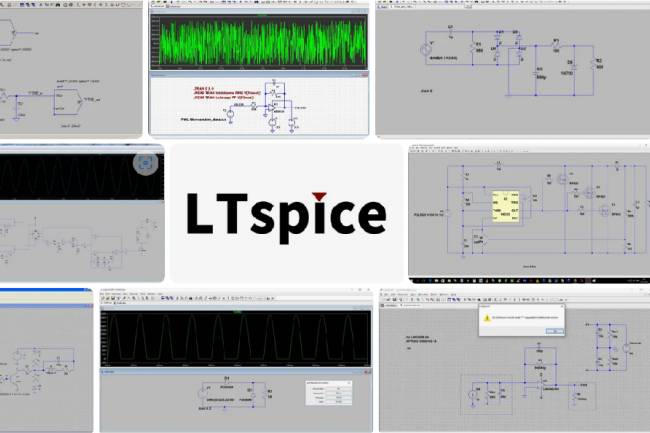
LTspice: A Powerful Tool for Electronic Circuit Simulation
Discover LTspice, a powerful and free electronic circuit simulation tool from Analog Devices.
28.11.2023
KiCad 8th Release Candidate 2 Released - Trial Version Available for Users to Download
KiCad 8th Release Candidate 2 is now available for download! Discover the new features that stand out in electronic circuit design. Click now for the trial version.
23.01.2024
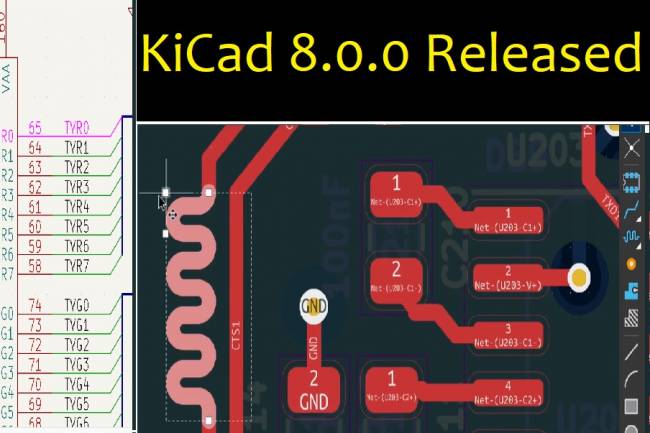
KiCad 8.0.0 Released: An Update Full of Innovations
KiCad 8.0.0 version has been released! It's full of new features and improvements. Extended support and performance increase in PCB design
24.02.2024
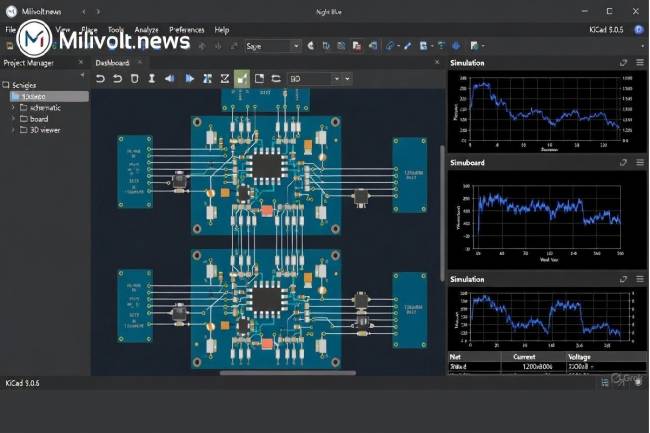
Autumn 2025 PCB & Simulation Tools: KiCad 9 Released, EasyEDA 100 % Free, LTspice Goes 64-bit
KiCad 9.0.6 is here, EasyEDA now fully free, Falstad desktop app, LTspice 64-bit… Full list of what changed in PCB design this autumn!
30.11.2025
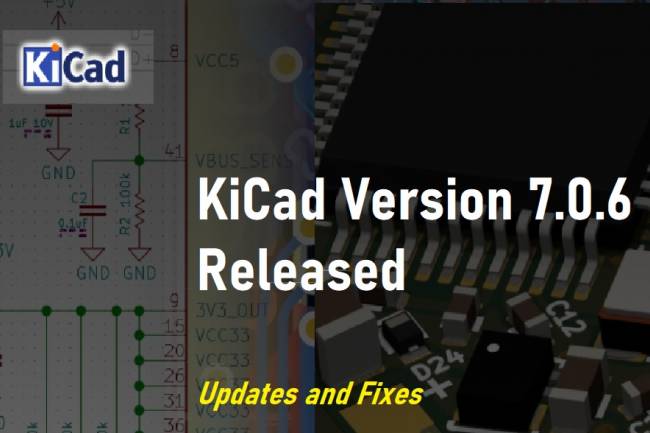
KiCad Version 7.0.6 Released: Updates and Fixes
Latest updates and fixes about KiCad version 7.0.6. According to the KiCad Development Team's announcement, version 7.0.6 offers an update with critical bug fixes and minor improvements. Details and release notes are in this article.
10.08.2023
KiCad 6.0.0 Release Announced
KiCad 6.0.0 Release Announced CAD News
19.04.2022
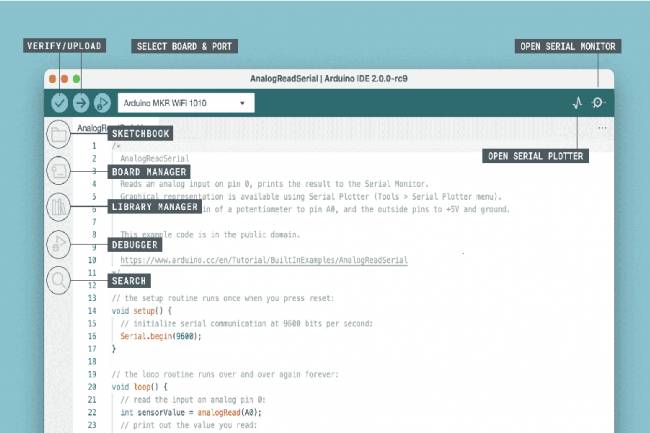
Arduino IDE 2.2.1 - Faster and Powerful!
Develop your projects faster and easier with Arduino IDE 2.2.1. Auto-completion, debugging
02.09.2023
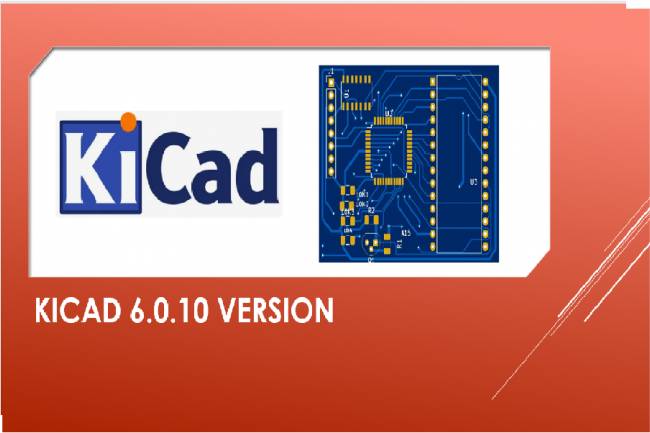
KiCAD 6.0.10 Version
Kicad new version released
30.12.2022
KiCad 6.0.0 Release Announced
KiCad 6.0.0 Release Announced CAD News
19.04.2022