
02.Sep.2023
The last major release of Arduino IDE is here to offer a faster and more powerful experience: Arduino IDE 2.2.1! Beyond having a modern editor and a more responsive interface, this update is packed with a host of useful features. Features like auto-completion, code navigation and even live debugging will help you develop your projects more efficiently.
Overview:
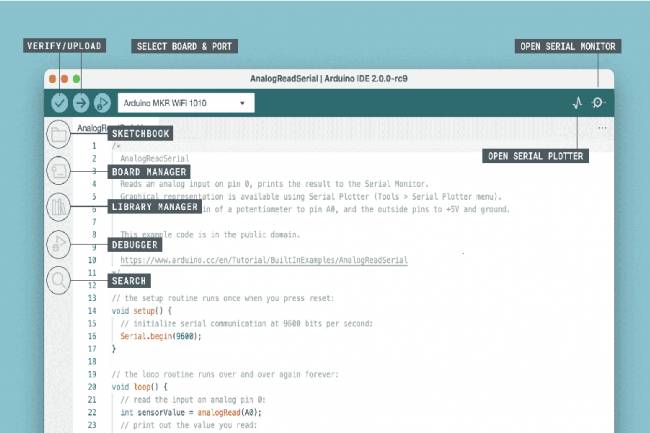
Arduino IDE 2 comes with a new sidebar to make the most frequently used tools more accessible.
Arduino IDE 2 is a versatile editor with many features. You can directly upload libraries, sync your sketches with Arduino Cloud, debug your sketches, and more.
Auto-completion is an essential feature for code editors, and the Arduino IDE 2 is well equipped for it. It is quite useful when writing code to learn more about the elements of the Arduino API.
Remote Sketchbook Feature:
The Remote Sketchbook feature offers the ability to synchronize the drawings in your Arduino Cloud sketchbook with your local computer. To enable this feature, simply login to your Arduino Cloud account. You can also create a new cloud sketch directly in the IDE.
With the Arduino IDE 2.2.1, you can develop your projects faster and easier. To try this update now, visit the Arduino website and meet these exciting new features from the Arduino community!
For more information and instructions, you can visit the official Arduino documentation. Arduino IDE 2.2.1 allows you to develop your electronics projects more efficiently and this new version offers more convenience and functionality for users.
PCB Design and PCB Design Programs
PCB design programs
09.04.2023

Most Popular Electronic Circuit Simulation Programs
Some of the popular simulation programs used in the electronics world and their links can be found in this article.
19.04.2023
LTspice: A Powerful Tool for Electronic Circuit Simulation
Discover LTspice, a powerful and free electronic circuit simulation tool from Analog Devices.
28.11.2023
KiCad 8th Release Candidate 2 Released - Trial Version Available for Users to Download
KiCad 8th Release Candidate 2 is now available for download! Discover the new features that stand out in electronic circuit design. Click now for the trial version.
23.01.2024
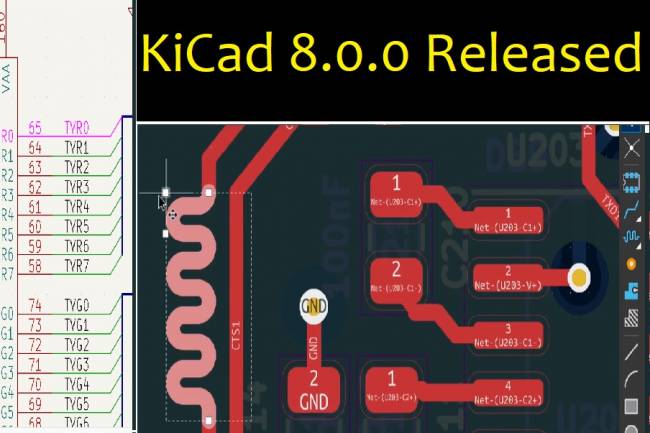
KiCad 8.0.0 Released: An Update Full of Innovations
KiCad 8.0.0 version has been released! It's full of new features and improvements. Extended support and performance increase in PCB design
24.02.2024
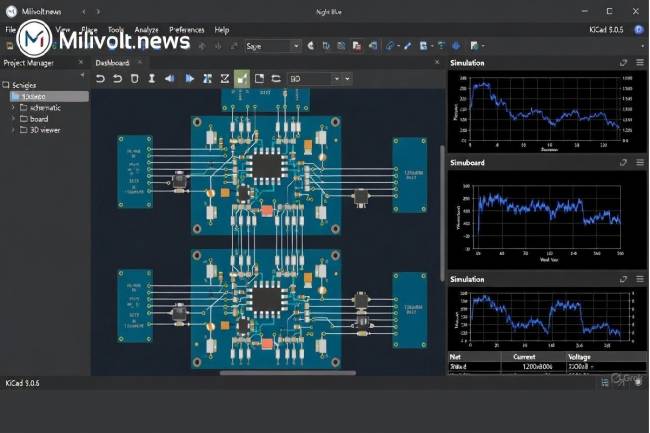
Autumn 2025 PCB & Simulation Tools: KiCad 9 Released, EasyEDA 100 % Free, LTspice Goes 64-bit
KiCad 9.0.6 is here, EasyEDA now fully free, Falstad desktop app, LTspice 64-bit… Full list of what changed in PCB design this autumn!
30.11.2025
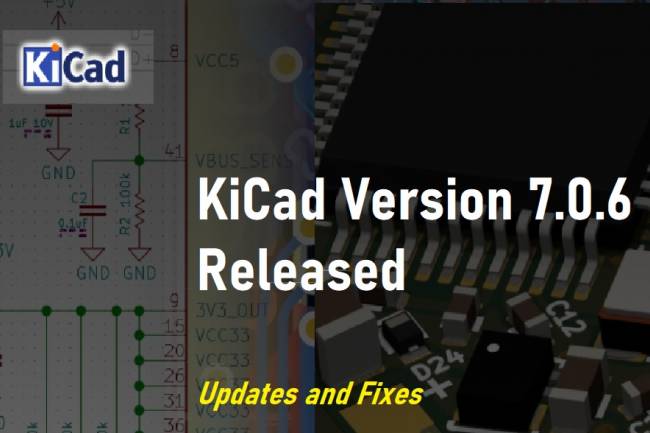
KiCad Version 7.0.6 Released: Updates and Fixes
Latest updates and fixes about KiCad version 7.0.6. According to the KiCad Development Team's announcement, version 7.0.6 offers an update with critical bug fixes and minor improvements. Details and release notes are in this article.
10.08.2023
KiCad 6.0.0 Release Announced
KiCad 6.0.0 Release Announced CAD News
19.04.2022
KiCAD 6.0.10 Version
Kicad new version released
30.12.2022
KiCad 6.0.0 Release Announced
KiCad 6.0.0 Release Announced CAD News
19.04.2022