

08.Oct.2023
We have given two code examples below for the integration of TensorFlow library and other languages. The first example is an application made in Flutter:
In this example, we will make an image classification application with Flutter. We will integrate a pre-trained model into the Flutter application using TensorFlow Lite.
Choosing the TensorFlow Lite Model
First, you must choose an image classification model to use in TensorFlow Lite. There are many sample models available in the TensorFlow Lite Model Repository. For example, you can choose the MobileNetV2 model.
You should add the TensorFlow Lite plugin to your Flutter project. This plugin allows you to integrate TensorFlow Lite models into Flutter application.
Add the following dependency to the pubspec.yaml file:
dependencies:
flutter:
sdk:flutter
tflite: ^latest_version # TensorFlow Lite plugin
Add TensorFlow Lite Model
Add the TensorFlow Lite model you previously selected to the Flutter project. Copy the model file to the assets folder. For example, let's say you add a model file named mobilenet_v2.tflite to the assets folder.
import 'package:flutter/material.dart';
 import 'package:tflite/tflite.dart';
void main() {
    runApp(MyApp());
 }
class MyApp extends StatefulWidget {
    @override
    _MyAppState createState()=> _MyAppState();
 }
class _MyAppState extends State<MyApp> {
    List<dynamic> _outputs=[];
    bool _isLoading=false;
   @override
    void initState() {
      super.initState();
      _loadModel();
    }
   Future<void> _loadModel() async {
      setState(() {
        _isLoading=true;
      });
      await Tflite.loadModel(
        model: 'assets/mobilenet_v2.tflite',
        labels: 'assets/labels.txt',
      );
      setState(() {
        _isLoading=false;
      });
    }
   Future<void> _classifyImage(String imagePath) async {
      final List<dynamic> results=await Tflite.runModelOnImage(
        path: imagePath,
      );
      setState(() {
        _outputs=results;
      });
    }
   @override
    Widget build(BuildContext context) {
      return MaterialApp(
        home: Scaffold(
          appBar: AppBar(
            title: Text('Image Classification Application'),
          ),
          body: _isLoading
              ? CircularProgressIndicator()
              :column(
                  children: [
                    ElevatedButton(
                      onPressed: () async {
                        // Classify the image
                        await _classifyImage('assets/test_image.jpg');
                      },
                      child: Text('Classify Image'),
                    ),
                    if (_outputs.isNotEmpty)
                      Text('Result: ${_outputs[0]['label']}'),
                  ],
                ),
        ),
      );
    }
   @override
    void dispose() {
      Tflite.close();
      super.dispose();
    }
 }
This Flutter app uses the TensorFlow Lite model to classify an image. When the user clicks a button, the application classifies a predetermined image and displays the result on the screen.
Using Java Script and TensorFlow library
We can create a sample application with the TensorFlow.js library using JavaScript. TensorFlow.js is the JavaScript version of TensorFlow and is used to run machine learning models in web browsers and the Node.js environment. Here is a simple TensorFlow.js sample application:
Step 1: Add TensorFlow.js Plugins
The first step is to add the TensorFlow.js libraries to your project. This will allow you to use TensorFlow.js. You can start by adding the following codes to an HTML file:
<!DOCTYPE html>
 <html lang="en">
 <head>
      <meta charset="UTF-8">
      <title>TensorFlow.js Sample Application</title>
 </head>
 <body>
      <h1>TensorFlow.js Sample Application</h1>
     <!-- TensorFlow.js libraries -->
      <script src="https://cdn.jsdelivr.net/npm/@tensorflow/tfjs"></script>
 </body>
 </html>
The following JavaScript code creates a simple sample application using TensorFlow.js. In this example, a random neural network not trained with TensorFlow.js is created and given a simple data point.
// import TensorFlow.js library
const tf=require('@tensorflow/tfjs');
// Create the model
const model=tf.sequential();
model.add(tf.layers.dense({units: 1, inputShape: [1]}));
//Compile the model
model.compile({loss: 'meanSquaredError', optimizer: 'sgd'});
// Create training data
const xs=tf.tensor2d([1, 2, 3, 4], [4, 1]);
const ys=tf.tensor2d([1, 3, 5, 7], [4, 1]);
//Train the model
model.fit(xs, ys, {epochs: 100}).then(()=> {
// Make a guess
const result=model.predict(tf.tensor2d([5], [1, 1]));
result.print();
});
This code creates a simple regression model. The model is trained using data points xs and ys and after training it predicts the value 5. Prints the prediction result to the console.
Integration with HTML
You can add this JavaScript code to your HTML file above. This way, you create a TensorFlow.js application that runs in your browser. TensorFlow.js offers web developers a powerful tool for developing machine learning applications in the browser.
This example shows how to create and train a neural network using TensorFlow.js. Real-world applications can be much more complex and require more data and larger models. But this basic example will help you understand the basic usage of TensorFlow.js.
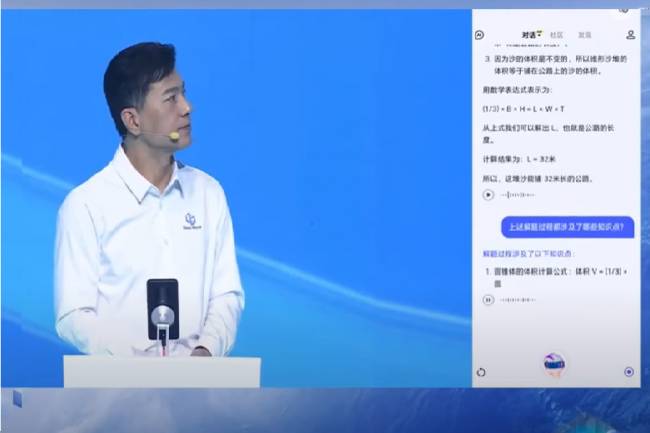
The Development Story of Ernie AI: An Innovative Progress
The development story of Ernie AI and Baidu CEO introducing Ernie 4.0: Artificial intelligence advances
18.10.2023
Use and Dissemination of Artificial Intelligence for Energy Saving
Useful use cases of artificial intelligence
04.04.2023

Artificial Intelligence in the Electronics Industry: Job Opportunities of the Future
Artificial intelligence in the electronics industry: Future job opportunities and innovation
21.10.2023

Home Management with Artificial Intelligence and Mobile Phone Virtual Assistants: Future Potential
Home management with artificial intelligence and mobile phone assistants: The future of smart devices and technology integration.
08.11.2023
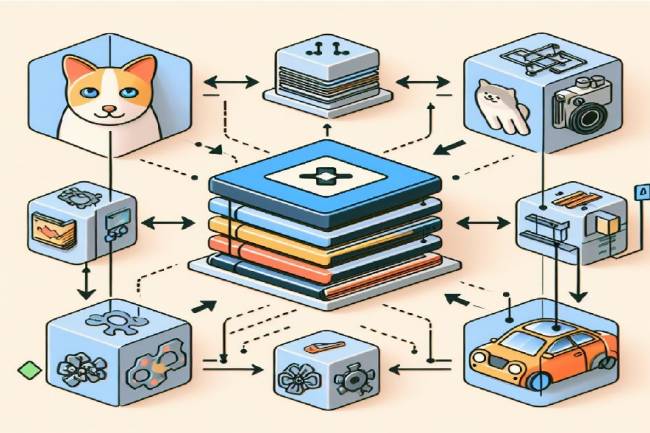
Image Analysis and Object Recognition with TensorFlow.js: Step into the World of Artificial Intelligence
In this article, explore implementing image analysis and object recognition in the browser using TensorFlow.js. Get practical insight into TensorFlow and model concepts.
10.01.2024

Real-Time Face Analysis with TensorFlow.js: Structure, Usage and Application Areas
Real-time face analysis article with TensorFlow.js: Information about its structure, usage and application areas. Machine learning with JavaScript.
11.01.2024

Google introduced its new artificial intelligence model Gemini
Google's latest innovation: Gemini! It attracts attention with its capabilities in photo and video detection and solving complex problems. Can it surpass ChatGPT?
17.02.2024
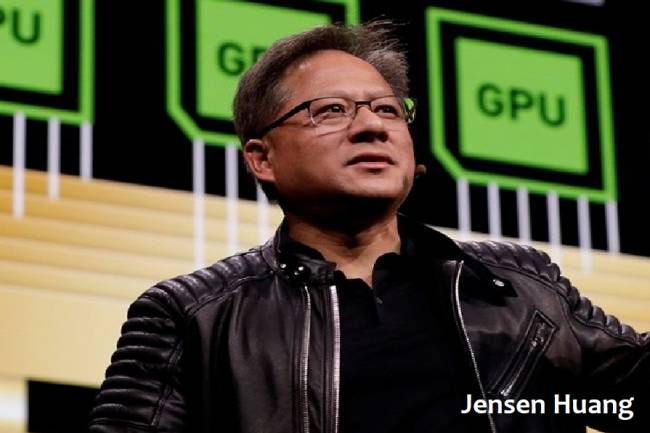
Nvidia CEO Jensen Huang: “Artificial Intelligence Eliminates the Need to Learn Coding”
Nvidia CEO Jensen Huang's perspective on how AI is reshaping coding skills. Learn about the impact of AI on traditional programming and the rise of Python, R, and Julia
28.02.2024

Devin: Breaking Grounds in Artificial Intelligence Engineering
With Devin, a groundbreaking new era begins in artificial intelligence engineering. The invention of Cognition AI brings innovation to software development processes.
16.03.2024
Effects of Artificial Intelligence on Embedded Engineering: New Paths in Technology Transformation
Effects of using artificial intelligence in embedded systems and innovative solutions for the future. Smart devices provide increased efficiency and control
20.03.2024

Robot Sophia, robot queen?
Learn about Robot Sophia, a humanoid robot developed by Hanson Robotics, known for its human-like appearance and artificial intelligence capabilities.
12.07.2023
AI Is Now Writing Code — And It’s Way Better Than You Think (2025)
AI Writes Code Now: Top 3 Free Tools of 2025Meta Description (150–160 chars): In 2025 AI writes 80% of the code! Build full apps in minutes with Cursor, Aider & Devin
23.11.2025

Making a Web Server Application with Artificial Intelligence
Microcontroller systems often involve writing complex control commands for various components.
13.07.2023
10 Technologies That Will Change Our Lives in 2026
10 revolutionary technologies that will transform life in 2026: Agentic AI, quantum computing, smart homes & more!
07.12.2025

Professions That Artificial Intelligence Can Generate
Today, rapidly developing artificial intelligence technology causes new professions to be born in many sectors. In this article, explore the potential jobs AI can create, from business to healthcare
18.08.2023

Transformations and Effects of Artificial Intelligence in the Electronics Industry
Artificial intelligence brings groundbreaking changes and innovations in the electronics industry
18.08.2023

Where Is Artificial Intelligence Heading?
Where Is Artificial Intelligence Heading article
24.06.2022

Artificial Intelligence and Its Effect on PCB Production Techniques
The effects of Artificial Intelligence on PCB production and today's techniques. Explore transformations like design optimization, automation and data analysis
02.10.2023

TensorFlow: A Powerful Tool for Machine Learning and Deep Learning
What is tensor flow? What are its usage areas?
08.10.2023